Tesla Model X with HW1#
Quick Start#
- Get the Tesla Model X (AP1 / HW1) - Harness
- Get a comma four (or comma 3X)
- Connect your comma device to the harness box using a USB 3.1 Gen 2 cable via the OBD-C port
- Install the xnor fork of openpilot
- Take your Tesla for a test drive with openpilot!
- If you see “Car Unrecognized”, fingerprint your car
Supported Devices#
- comma four or comma 3X — recommended
- comma three (deprecated)
See Installing openpilot for the correct version for your device. For details on comma hardware, see the comma hardware repository.
Harness Install Location#
The AP1 harness on Model X installs at the autopilot computer behind the glovebox.
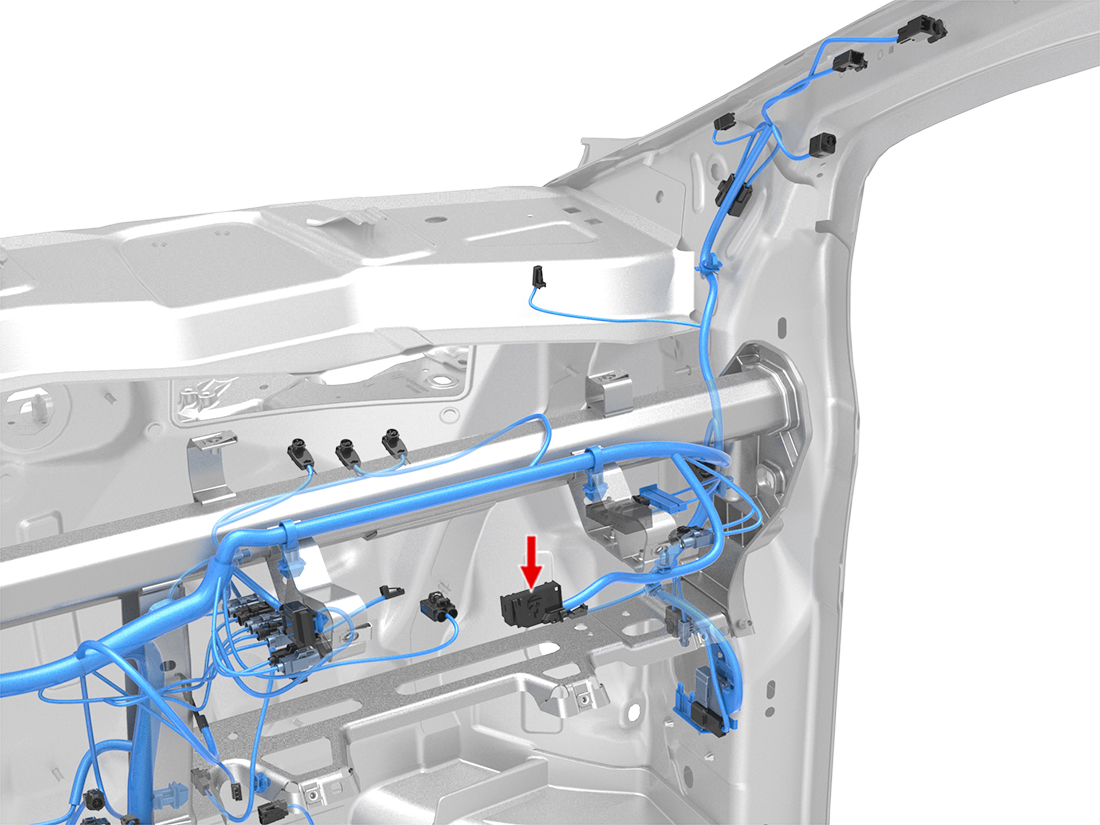
You will need to remove the glovebox to reach the computer.
Tools#
- Torx screwdriver (for the glovebox screws)
- Useful: a plastic trim prying tool (the panel can also be pulled off by hand)
Steps#
- Pry off the trim panel above the glovebox. It is held on by clips and requires firm pulling. The same panel is removed when changing the cabin air filter.
- Unscrew and remove the glovebox (Torx screws). Before pulling it out, disconnect the glovebox light, sensor, and actuator cables — each uses a slightly different connector release.
- Connect the harness to the autopilot computer now exposed behind the glovebox.
- Route the comma device cable either along the passenger-side footwell trim (easier) or up through the A-pillar to the windshield (cleaner).
The car is drivable with the trim panel and glovebox still off, in case you want to do the install in stages.
The following video is filmed for a cabin air filter swap, but it is useful for showing the glovebox removal:
About HW1#
With Tesla no longer paying any attention to the older Model X (the AP1 was based on the MobileEye platform that Tesla dumped in October 2016 and has received limited code updates ever since), the only option to get new features and functionality is by joining our community and running the xnor branch of openpilot created specifically for Tesla vehicles.