Tesla Model S/3/X/Y with HW3/HW4#
Tesla Model S, Model 3, Model X, and Model Y with HW3 or HW4 are officially supported by upstream openpilot. I designed both the Tesla A harness (HW3) and Tesla B harness (HW4) and contributed them to comma.ai, so these cars are fully supported out of the box.
Quick Start#
- Get a comma four (or comma 3X) — the matching Tesla harness (A for HW3, B for HW4) is available directly from comma.ai when you buy the device
- Install the harness and connect your comma device
- Install openpilot — the stock upstream version supports your car
- If you see “Car Unrecognized”, fingerprint your car
That’s it. No special fork or additional hardware needed for basic openpilot functionality.
The harnesses are also available in my shop if you prefer:
They are identical to the ones sold by comma.ai.
Supported Devices#
- comma four or comma 3X — recommended
- comma three (deprecated)
Harness Installation#
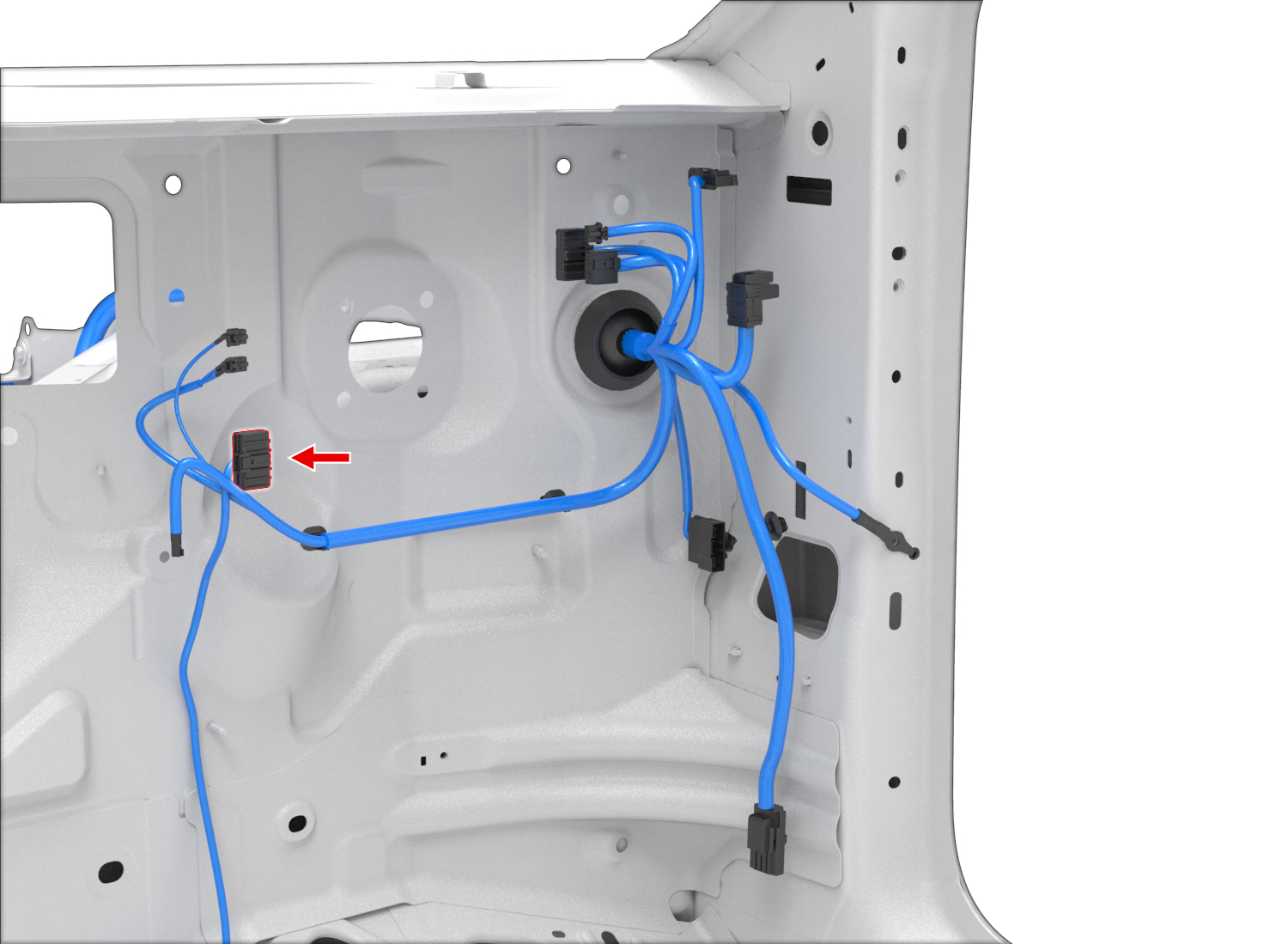
The harness installs at the autopilot computer behind the glovebox.
This video walks through the HW3 harness installation: Installation Guide (YouTube)
The video shows connecting a cable to the A-pillar diagnostic connector. This is not needed for the standard harness from xnor.shop or comma.ai — it is only required if you add the Vehicle CAN Addon Cable.
Model 3/Y with HW3:
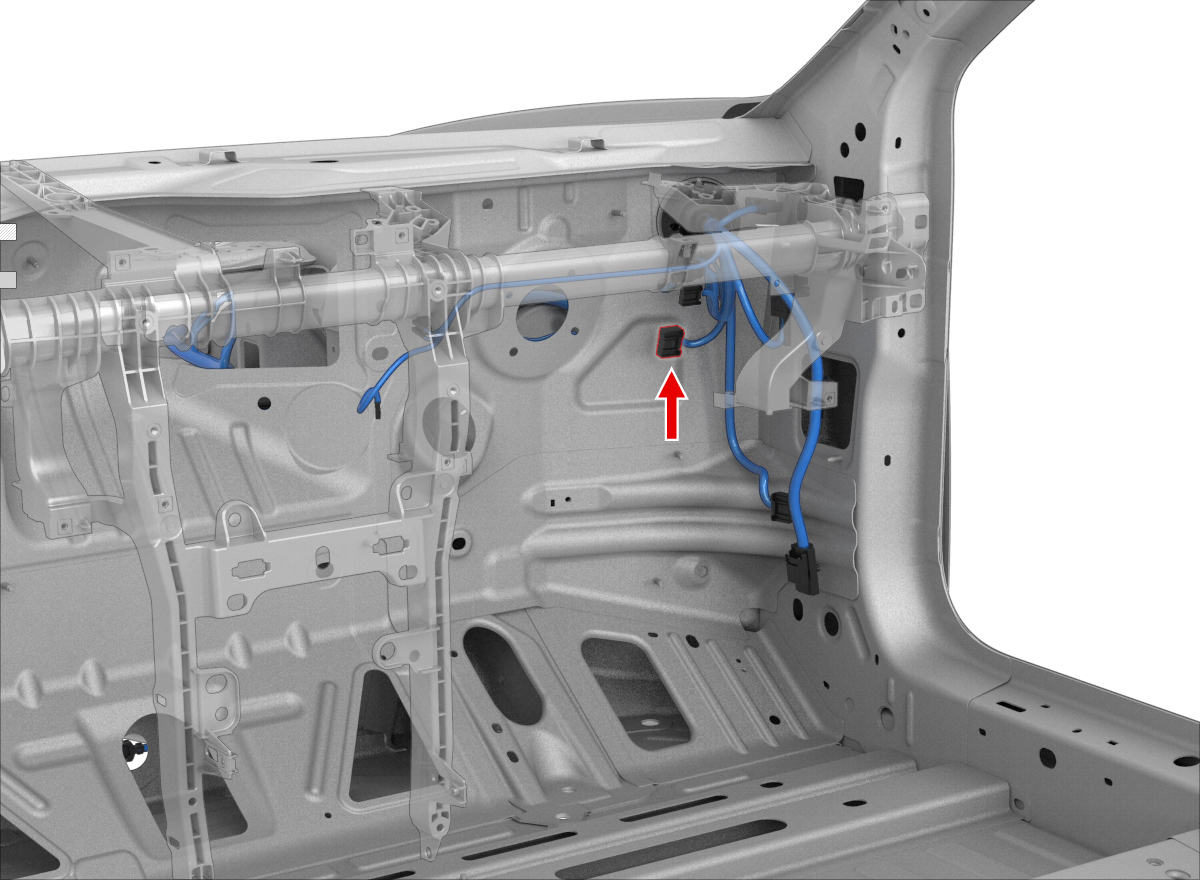
Model 3/Y with HW4: