Comma Pedal#
The comma pedal is an accelerator pedal interceptor for preAP Tesla Model S cars running openpilot. It provides acceleration and regenerative braking control for cars that do not have iBooster electric brakes installed.
Without electric brakes (iBooster), the car only uses regenerative braking. This is not sufficient for sudden slowdowns. You must be ready to manually brake at any moment.
What it does#
The comma pedal sits between your car’s electronic accelerator pedal and the Drive Unit (DU). It reads the voltage from the accelerator pedal (0–5V) and passes it through to the DU. When openpilot is engaged, it substitutes the driver’s pedal input with commands from openpilot for smooth speed control.
Without the comma pedal, openpilot can only control cruise via Tesla’s built-in cruise control (ACC), which only works above 18 MPH (29 km/h).
With the comma pedal, openpilot can control speed down to 1 MPH using Pedal Cruise Control (PCC). However, regenerative braking stops working below 5 MPH (8 km/h), so the driver must brake manually at very low speeds.
How it connects#
The comma pedal connects to the preAP OBD-C Adapter / Harness via a standard RJ45 Ethernet cable. The pedal is on CAN2.
Do not plug anything else into the RJ45 port on the OBD-C Adapter — this is NOT a standard Ethernet port!
Installation#
- Connect to accelerator pedal: The comma pedal connects to the accelerator pedal connector. This video shows the process for a similar product.
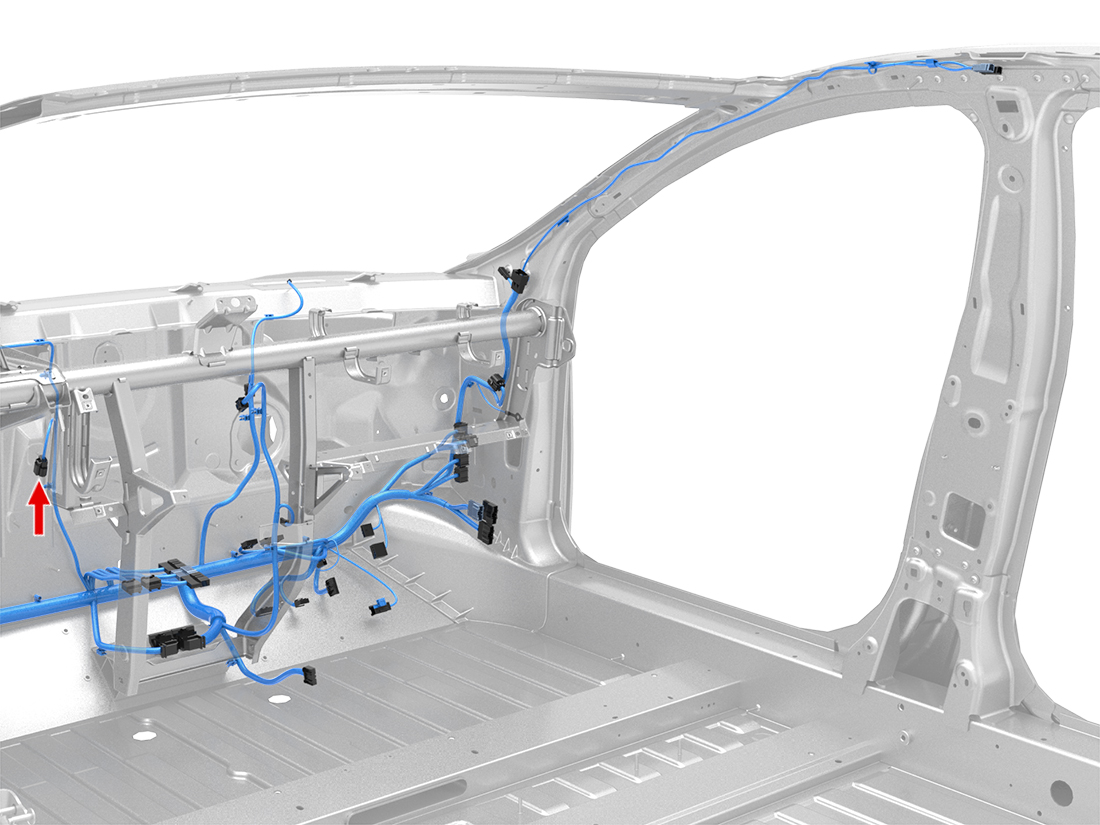 2. Connect to OBD-C Adapter: Plug a standard RJ45 Ethernet cable from the comma pedal into the RJ45 port on your OBD-C Adapter.
Flashing the firmware#
The comma pedal requires Tesla-specific firmware. There are two methods: flashing via CAN from your comma device (recommended), or flashing via USB from a computer.
Flashing via CAN (recommended)#
This is the easiest method and works if your pedal already has a bootloader installed (i.e. the LED is blinking):
- Connect your comma device to the car and let it boot
- Go to Settings > Tesla preAP > Flash Pedal
- Wait for the firmware to flash
- Reboot when prompted
Flashing via USB#
USB flashing is only necessary if flashing via CAN is not possible — for example, if you built your pedal yourself or it was shipped without firmware.
Check the LED on the pedal board#
| LED state | Mode |
|---|---|
| No light | DFU mode (no firmware) |
| Slow blink | Normal flash mode (bootloader present) |
| Fast blink | Normal operation |
Entering DFU mode#
If the pedal has no firmware (no LED), it is already in DFU mode. If it has a bootloader (slow blink), you need to force it into DFU mode:
- Remove the comma pedal from the car
- You will need a USB-A to USB-A cable and a small jumper wire
- Plug one end of the USB cable into the pedal interceptor
- Jump the small DFU pin to one of the pins labeled 5V with a small wire (see the board markings)
- While holding the jumper wire, plug the other end of the USB cable into your computer
This usually takes two people — one to hold the jumper wire and one to plug in the USB. Always connect the USB to the pedal first, then to the computer.
Flash from your computer#
With the pedal in DFU mode and connected to a computer running macOS or Linux:
cd ~
git clone https://github.com/xnor-tech/openpilot.git --depth 1 -b tesla-unity
cd openpilot/panda/board/pedal
./recover.sh
You may need to run ./recover.sh multiple times until it completes successfully. Once the bootloader is installed, future updates can be flashed via CAN from your comma device.
After flashing, unplug the USB cable and reinstall the pedal in the car.
Using the comma pedal#
By default, openpilot uses Tesla’s built-in cruise control via stalk commands — this is called ACC (Adaptive Cruise Control). ACC only works above 18 MPH (29 km/h).
When you turn off Tesla cruise control by pressing the CC stalk, openpilot switches to PCC (Pedal Cruise Control). This gives you smoother adaptive cruise control down to 1 MPH using the comma pedal.
If you prefer to always use the pedal instead of Tesla cruise control, enable Use pedal over CC in the Tesla preAP settings.
Configuration#
In the Tesla preAP settings:
- Use pedal — turn ON if you have a comma pedal installed
- Use pedal over CC — turn ON to always use pedal-based cruise control instead of Tesla CC
- Pedal on CAN0 — leave OFF if your pedal is connected to the OBD-C Adapter (it uses CAN2)